
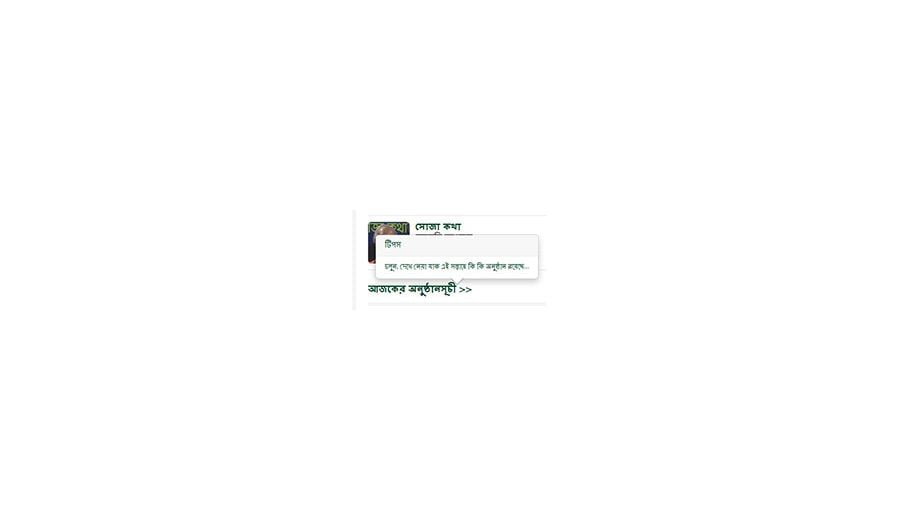
Presenting a notification text to the user using the “Popover” Javascript that comes built-in with Twitter Bootstrap in Joomla 3.1.1 is very easy. The official documentation of Twitter Bootstrap tells everything you need to understand it.
Recently I use it on a website for my client. I wrote the following code for my Popover:
<a rel="popover" data-placement="bottom" data-trigger="hover" data-content="Let us see what is inside..." data-original-title="Tips" href="my_link_goes_here">
    All Products
</a>
Lastly, Popover is triggered using the following jQuery code:
<script type="text/javascript">
    jQuery(document).ready(function() {
        jQuery('[rel=popover]').popover();
    });
</script>
In my HTML mark, I used data-trigger=”hover” to show popover on cursor hover. There are four options for “data-trigger”: click, hover, focus, and manual.
Hope this helps!
Leave Your Comment